An MCP (Model Context Protocol) server that enables AI assistants to control iOS Simulator. Seamlessly integrates with Claude Desktop, Cursor, Claude Code, and other MCP-compatible clients.
{
"mcpServers": {
"bridge4simulator": {
"args": [
"mcp",
"--enable-tools=screenshot"
],
"command": "/usr/local/bin/bridge4simulator"
}
}
}Are you the author?
Add this badge to your README to show your security score and help users find safe servers.
An MCP (Model Context Protocol) server that enables AI assistants to control iOS Simulator. Seamlessly integrates with Claude Desktop, Cursor, Claude Code, and other MCP-compatible clients.
Is it safe?
No package registry to scan.
No authentication — any process on your machine can connect.
License not specified.
Is it maintained?
Last commit 86 days ago. 79 stars.
Will it work with my client?
Transport: stdio, http. Works with Claude Desktop, Cursor, Claude Code, and most MCP clients.
No automated test available for this server. Check the GitHub README for setup instructions.
No known vulnerabilities.
This server is missing a description. Tools and install config are also missing.If you've used it, help the community.
Add informationHave you used this server?
Share your experience — it helps other developers decide.
Sign in to write a review.
Dynamic problem-solving through sequential thought chains
A Model Context Protocol server for searching and analyzing arXiv papers
An open-source AI agent that brings the power of Gemini directly into your terminal.
The official Python SDK for Model Context Protocol servers and clients
MCP Security Weekly
Get CVE alerts and security updates for Bridge4simulator and similar servers.
Start a conversation
Ask a question, share a tip, or report an issue.
Sign in to join the discussion.
MCP Server for iOS Simulator Control
Watch full video on YouTube
An MCP (Model Context Protocol) server that enables AI assistants to control iOS Simulator. Seamlessly integrates with Claude Desktop, Cursor, Claude Code, and other MCP-compatible clients.
Be sure to drop a ⭐️ if you find this project useful.
Brew:
brew tap AppGram/tap
brew install bridge4simulator
bridge4simulator --version
Installer:
curl -fsSL https://github.com/AppGram/bridge4simulator/releases/latest/download/install.sh | bash
Under the hood, MCP relies on a custom-built bridge. For inquiries about commercial use of the tool powering this CLI, be free to contact us
First run, in terminal:
bridge4simulator mcp --http
Go to Settings > MCP and add:
Then add config
"bridge4simulator": {
"url": "http://localhost:8080/mcp"
},
Or in Claude Desktop config:
{
"mcpServers": {
"bridge4simulator": {
"command": "/usr/local/bin/bridge4simulator",
"args": ["mcp", "--enable-tools=screenshot"]
}
}
}
Claude Desktop doesn't support url for local development MCPs.
Add to ~/.claude/settings.json or project .mcp.json:
{
"mcpServers": {
"ios-simulator": {
"command": "/usr/local/bin/bridge4simulator",
"args": ["mcp", "--enable-tools=screenshot"]
}
}
}
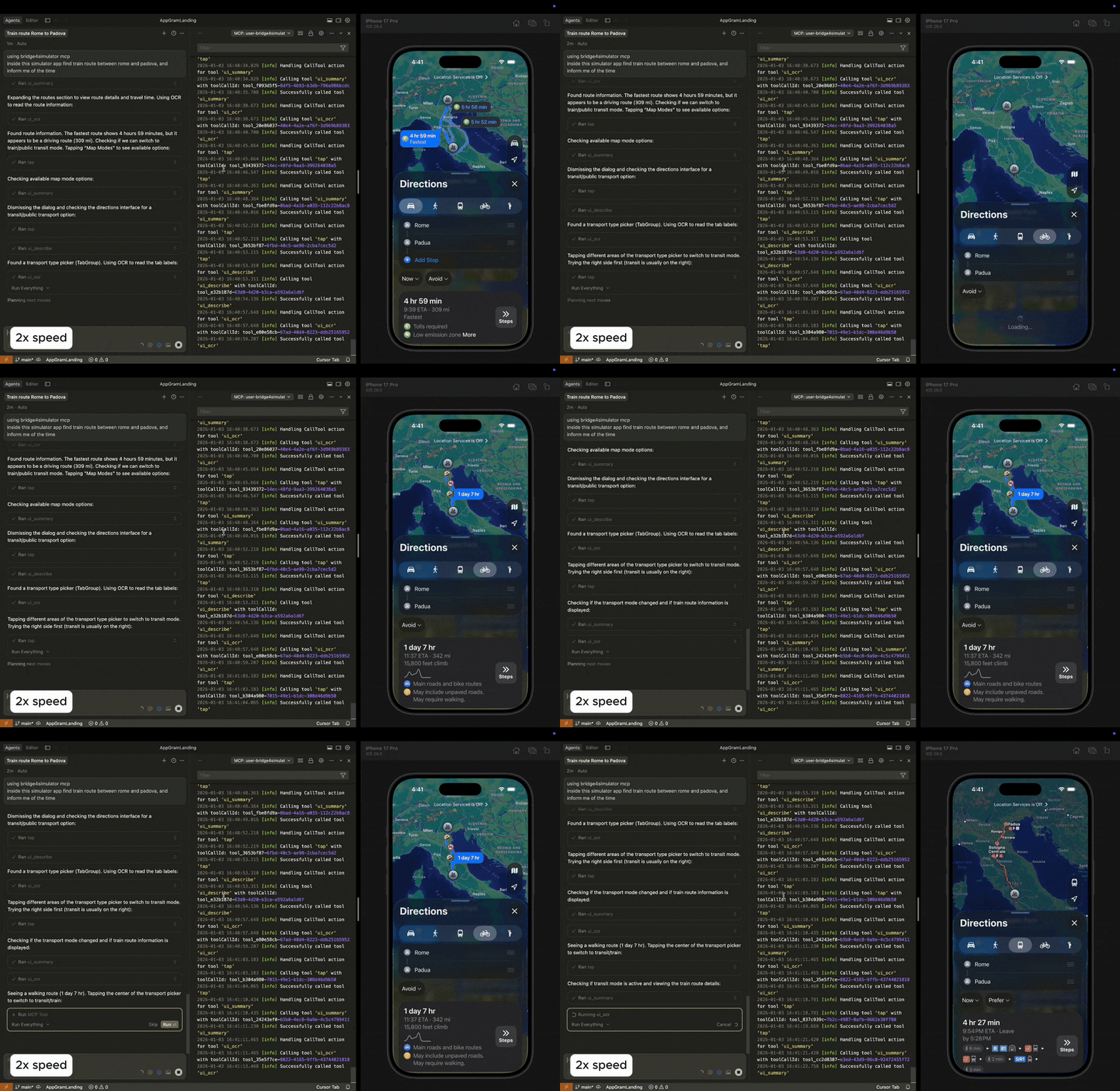
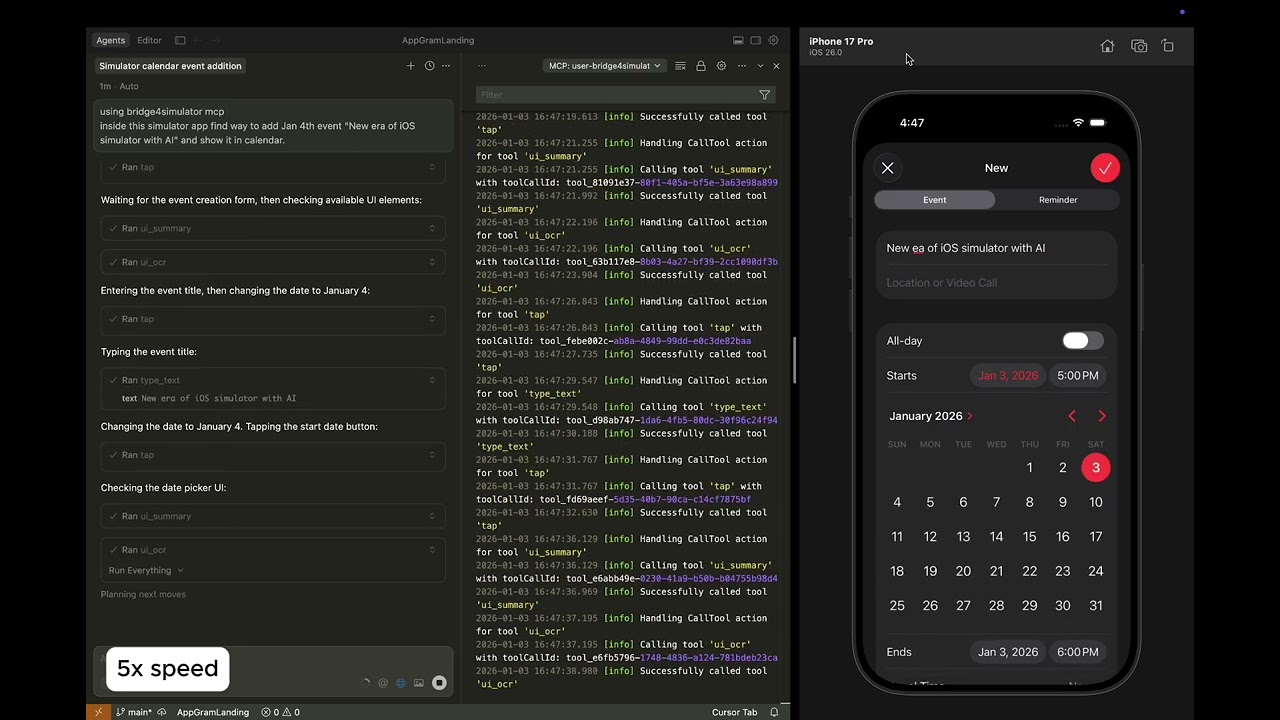
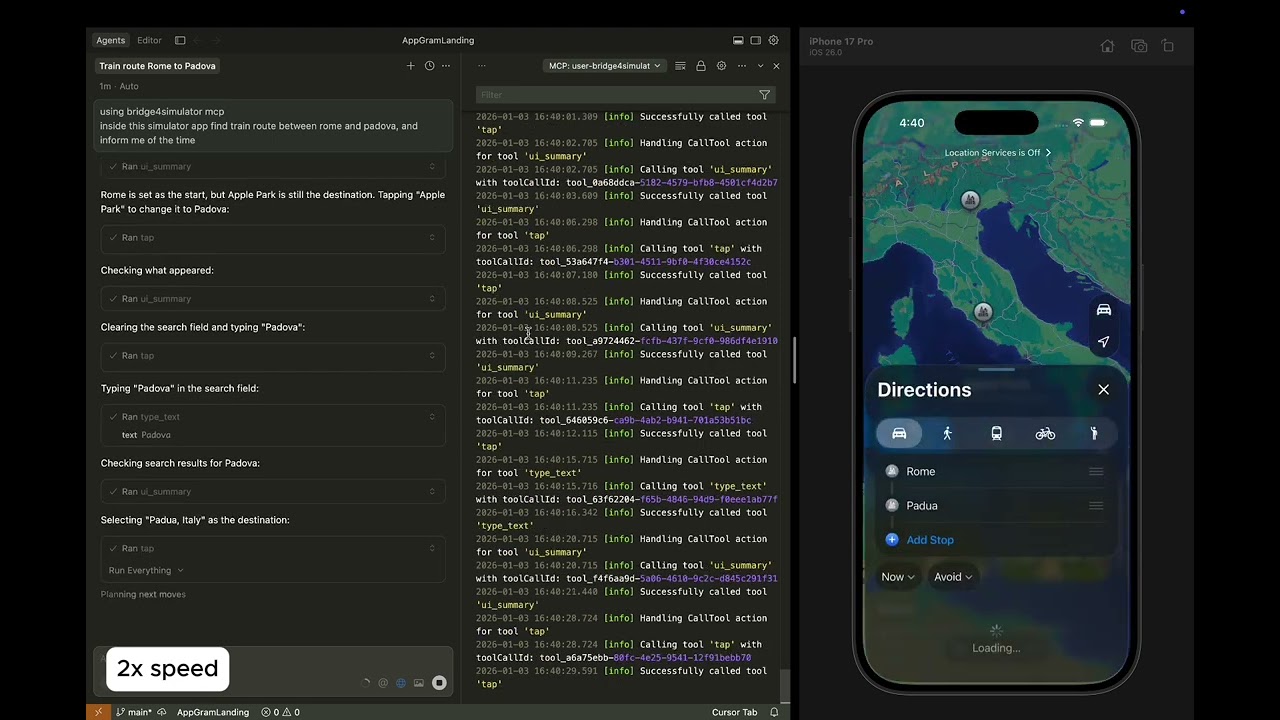
This demo highlights autonomous navigation and the internal reasoning process behind task execution. Under the hood, MCP uses a powerful CLI tool that enables instant OCR and UI extraction while keeping token consumption minimal for rapid problem solving.
| Apple Calendar Demo | Apple Maps Demo | |--------------------|------------------| |

Task was to create an event on specific date. Click to watch.

Task is to find train route from Rome to Padova. Click to watch.
| Category | Tools | Description |
|----------|-------|-------------|
| Device | device_list, device_boot, device_shutdown, status | Manage simulator devices |
| Input | tap, swipe, type_text | Touch gestures and text input |
| Capture | screenshot, record_start, record_stop | Screen capture and recording |
| Apps | app_install, app_launch, app_terminate | Application lifecycle |
| Navigation | open_url | Open URLs and deep links |
| UI | ui_describe, ui_find, ui_search, ui_summary, ui_point, ui_ocr | Accessibility tree and OCR |
| Macros | macro_play, macro_list | Automation sequences |
Once configured, ask your AI assistant:
UI Interaction:
"Find train route between Rome and Florance inside running app"
Screenshot & Analysis:
"Take a screenshot of the iOS Simulator and describe what's on screen"
Navigation:
"Scroll down the list and find the settings option"
App Testing:
"Launch the app com.example.myapp and take a screenshot"
| Platform | Download | |----------|----------| | Apple Silicon (M1/M2/M3/M4/M5) | bridge4simulator-darwin-arm64.tar.gz | | Intel Macs | [bridge4simulator-darwin-amd64.tar.gz](https://github.com/AppGr