{
"mcpServers": {
"cloudglue-mcp-server": {
"command": "<see-readme>",
"args": []
}
}
}No install config available. Check the server's README for setup instructions.
Are you the author?
Add this badge to your README to show your security score and help users find safe servers.
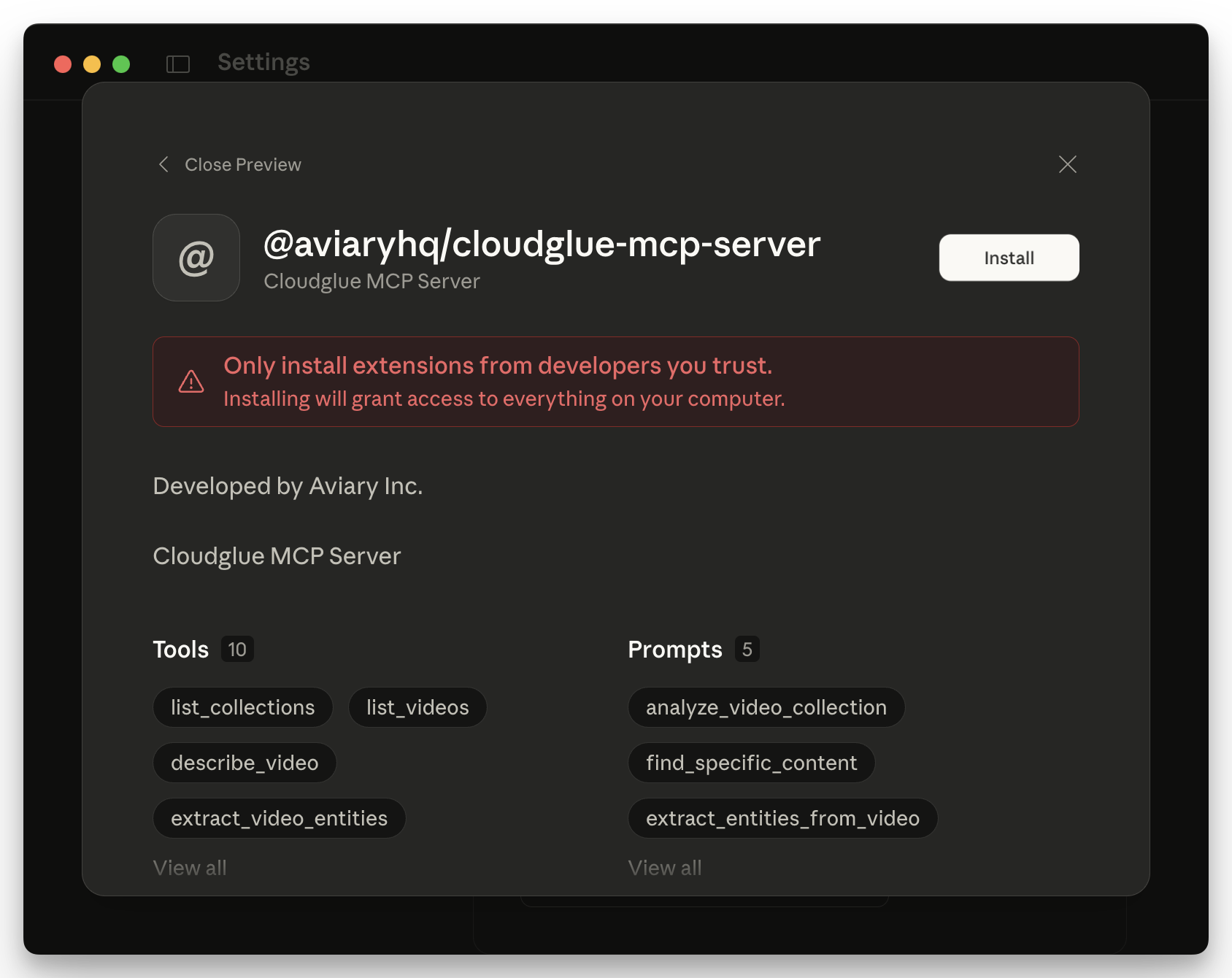
Official MCP server for Cloudglue API
Is it safe?
No package registry to scan.
No authentication — any process on your machine can connect.
MIT. View license →
Is it maintained?
Last commit 8 days ago. 13 stars.
Will it work with my client?
Transport: stdio. Works with Claude Desktop, Cursor, Claude Code, and most MCP clients.
No automated test available for this server. Check the GitHub README for setup instructions.
No known vulnerabilities.
This server is missing a description. Tools and install config are also missing.If you've used it, help the community.
Add informationHave you used this server?
Share your experience — it helps other developers decide.
Sign in to write a review.
Persistent memory using a knowledge graph
Privacy-first. MCP is the protocol for tool access. We're the virtualization layer for context.
Pre-build reality check. Scans GitHub, HN, npm, PyPI, Product Hunt — returns 0-100 signal.
Monitor browser logs directly from Cursor and other MCP compatible IDEs.
MCP Security Weekly
Get CVE alerts and security updates for Cloudglue Mcp Server and similar servers.
Start a conversation
Ask a question, share a tip, or report an issue.
Sign in to join the discussion.
Connect Cloudglue to Cursor, Claude Desktop, and other AI assistants to unlock the power of video collection understanding. Cloudglue helps turn your videos into structured data ready for LLMs.
By using the Cloudglue SDK and/or the MCP server, you agree to the Cloudglue Terms of Service and acknowledge our Privacy Policy.
First, get a Cloudglue API Key from cloudglue.dev, this will be used to authenticate the MCP server with your Cloudglue account.
Most MCP clients store their configuration as JSON. For cloudglue-mcp-server this would look like the following:
{
"mcpServers": {
"cloudglue": {
"command": "npx",
"args": [
"-y",
"@cloudglue/cloudglue-mcp-server@latest",
"--api-key",
"<CLOUDGLUE-YOUR-API-KEY>"
]
}
}
}
Replace <CLOUDGLUE-YOUR-API-KEY> with the API Key created earlier.
First, get a Cloudglue API Key from cloudglue.dev, this will be used to authenticate the MCP server with your Cloudglue account.
npm installnpm buildNext, configure your MCP client (such as Cursor) to use this server. Most MCP clients store the configuration as JSON in the following format:
{
"mcpServers": {
"cloudglue-mcp-server": {
"command": "node",
"args": [
"/ABSOLUTE/PATH/TO/PARENT/FOLDER/cloudglue-mcp-server/build/index.js",
"--api-key",
"<CLOUDGLUE-YOUR-API-KEY>"
]
}
}
}
The Cloudglue MCP Server supports multiple URL formats for video analysis:
cloudglue://files/file-idlist_videos toolhttps://www.youtube.com/watch?v=...https://youtu.be/...describe_video, extract_video_entities, segment_video_chapterssegment_video_camera_shotshttps://example.com/video.mp4)*Requires setup in Cloudg