dotbot
Structured, auditable AI-assisted development for teams.
What is dotbot?
Most AI coding tools give you a result but no record of how you got there - no trail of decisions for teammates to follow, no way to continue work across sessions, and no framework for managing large projects.
dotbot wraps AI-assisted coding in a managed, transparent workflow where every step is tracked:
Multi-workflow platform
- Workflow-driven pipelines - Define multi-step pipelines in
workflow.yaml manifests with tasks, dependencies, form configuration, MCP servers, and environment requirements. A project can have multiple workflows installed simultaneously, each run, re-run, and stopped independently.
- Typed task system - Tasks can be
prompt (AI-executed), script (PowerShell, no LLM), mcp (tool call), task_gen (generates sub-tasks dynamically), or prompt_template (AI with a workflow-specific prompt). Script, MCP, and task_gen tasks bypass the AI entirely - they auto-promote past analysis, skip worktree isolation, and skip verification hooks. This enables deterministic pipeline stages within AI-orchestrated workflows.
- Enterprise registries - Teams publish workflows, stacks, tools, and skills in git-hosted or local registries.
dotbot registry add links a registry (private or public); dotbot init -Workflow registry:name installs from it. Registries are validated against a registry.yaml manifest with version compatibility checks and auth-failure hints for GitHub, Azure DevOps, and GitLab.
- Workflows and stacks - Workflows (e.g.
kickstart-via-jira) define operational pipelines - what dotbot does. Stacks (e.g. dotnet, dotnet-blazor) add tech-specific skills, hooks, and MCP tools - what tech the project uses. Stacks compose additively with extends chains. Settings deep-merge across default -> workflows -> stacks.
Execution engine
- Two-phase execution - Analysis resolves ambiguity, identifies files, and builds a context package. Implementation consumes that package and writes code. Tasks flow:
todo -> analysing -> analysed -> in-progress -> done.
- Per-task git worktree isolation - Each task runs in its own worktree on an isolated branch, squash-merged back to main on completion.
- Per-task model selection - Tasks can specify a model (e.g. Sonnet for simple tasks, Opus for complex ones) that overrides the process-level default. Use cheaper models where they suffice to reduce token spend.
- Multi-slot concurrent execution - The workflow engine runs multiple tasks from the same workflow in parallel with slot-aware locking, shortening wall-clock time for large task queues.
- Multi-provider - Switch between Claude, Codex, and Gemini from the Settings tab. Each provider has its own CLI wrapper, stream parser, and model configuration.
- Configurable permission modes - Choose how each provider handles permission checks during autonomous execution. Claude supports bypass and auto mode (AI-classified safety); Codex supports bypass and full-auto; Gemini supports YOLO and auto-edit. The dashboard detects installed providers, their versions, and authentication status.
Dashboard and observability
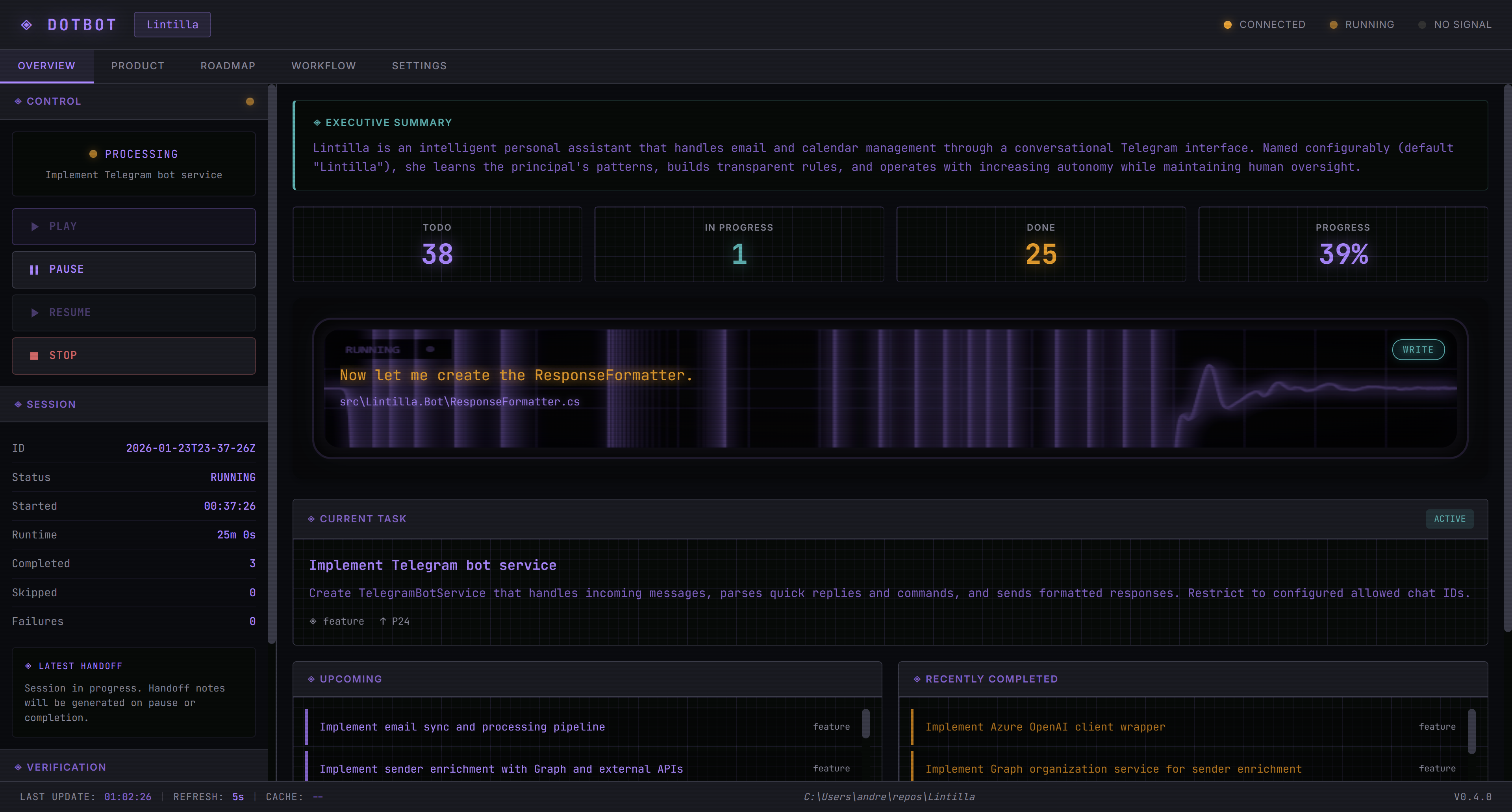
- Web dashboard - Seven-tab UI (Overview, Product, Roadmap, Processes, Decisions, Workflow, Settings) with workflow cards showing progress pills, per-workflow run/stop controls, and pipeline-phase filtering.
- Manifest-driven kickstart - The kickstart dialog is driven by
workflow.yaml form modes with visibility flags for prompt, file upload, interview, and auto-workflow options.
- JSONL audit trail - Session logs capture token counts, costs, turn boundaries, wall-clock gaps, agent completion reasons, and error details. Every AI session, question, answer, and code change is version-controlled.
- Project health diagnostics -
dotbot doctor scans for stale locks, orphaned worktrees, settings integrity,
... View full README on GitHub
