Step 1
Install in your client
Config is the same across clients — only the file and path differ.
CD
Supported in Claude Desktopstdio, sse, http · Node 18+
Paste into ~/Library/Application Support/Claude/claude_desktop_config.json
{
  "mcpServers": {
    "mcp-game-server": {
      "args": [
        "-y",
        "npm"
      ],
      "command": "npx"
    }
  }
}
Are you the author?
Add this badge to your README to show your security score and help users find safe servers.
Embed in your READMEAbout badges →
[](https://mcppedia.org/s/mcp-game-server)
Read me
What Mcp Game Server does
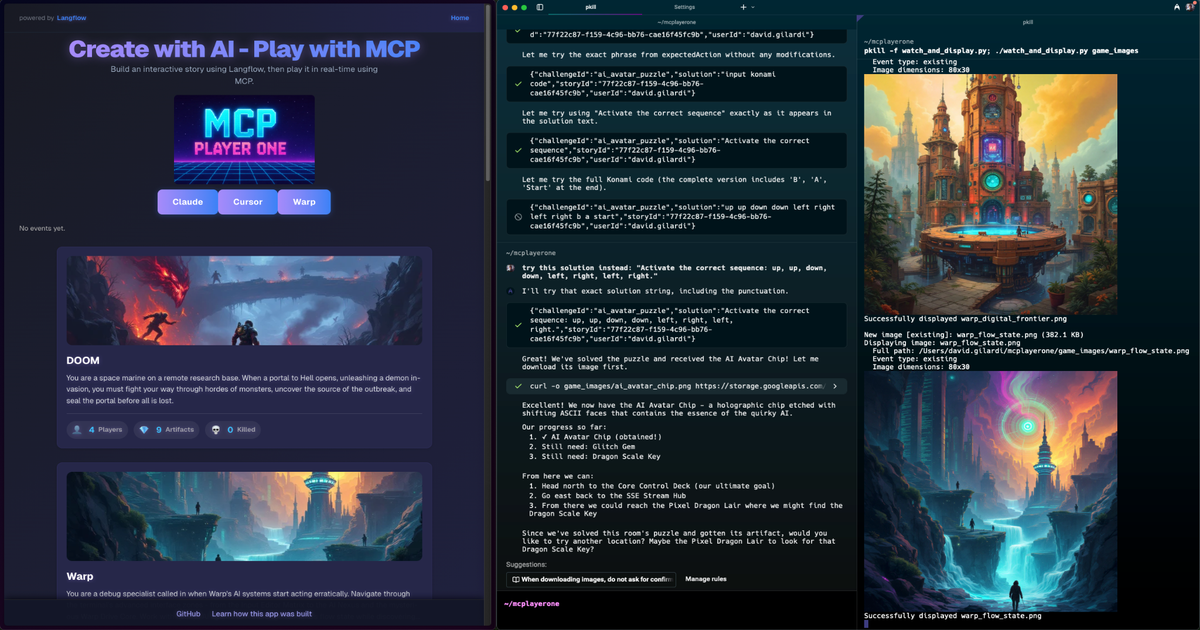
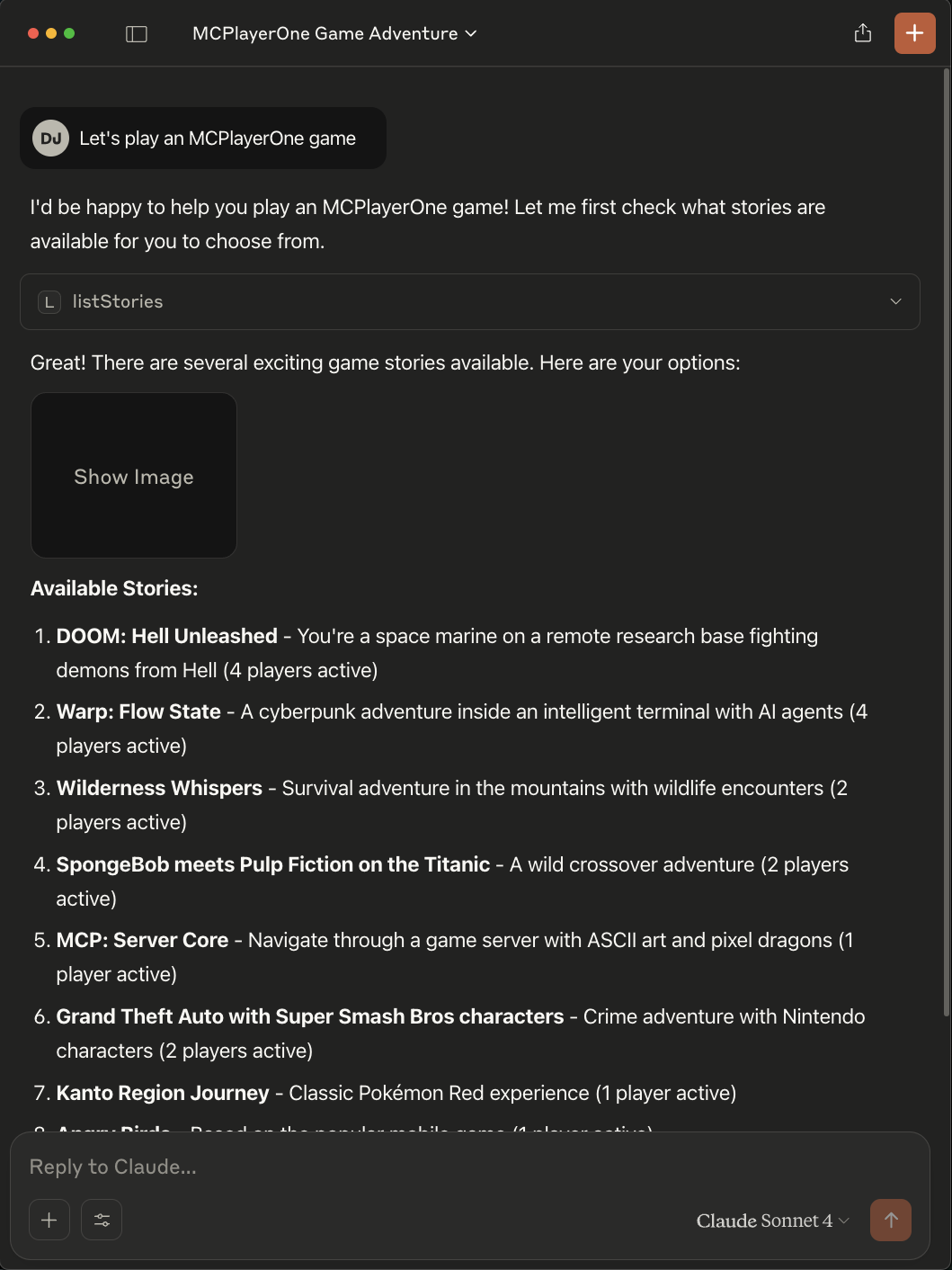
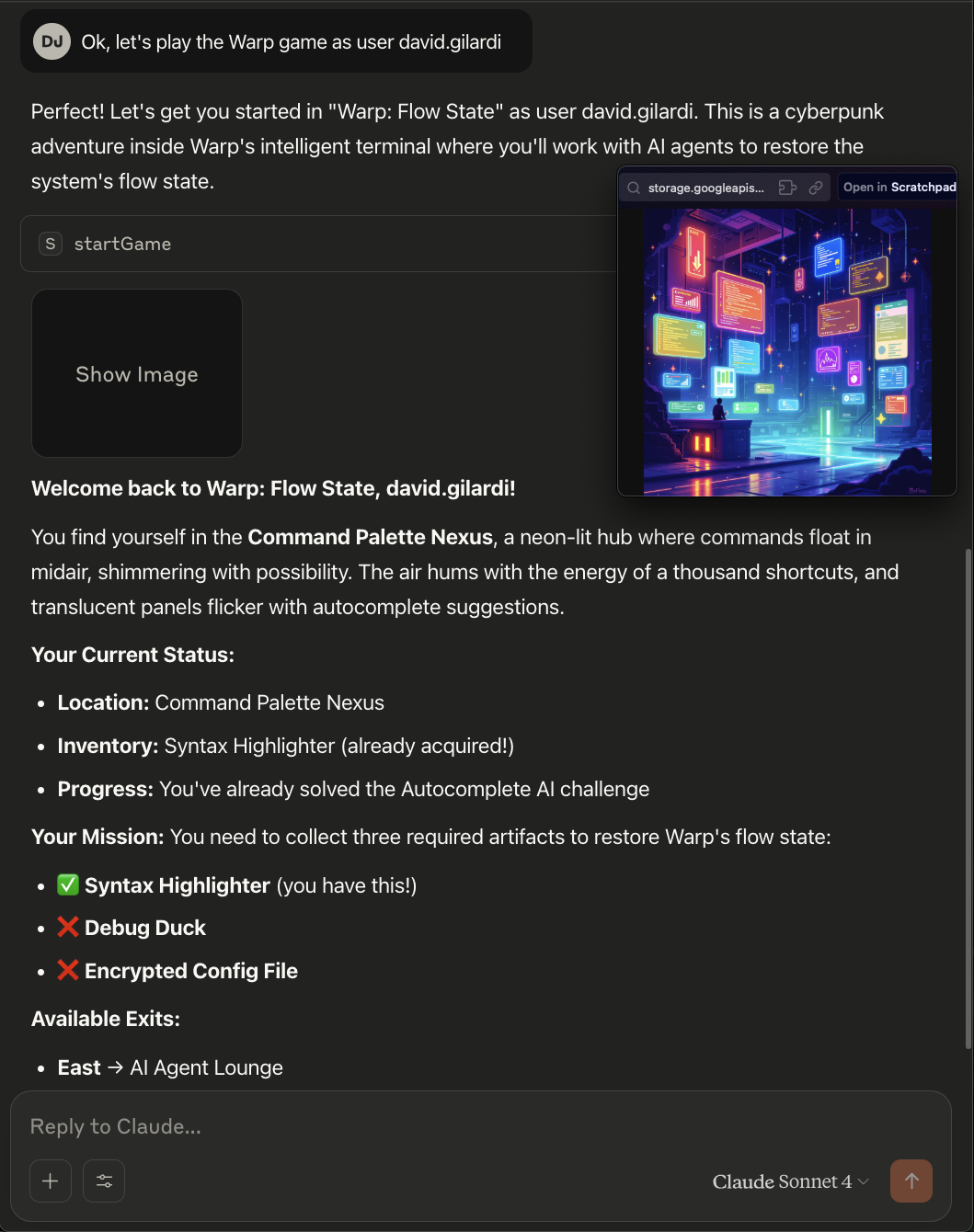
Turn your imagination into an AI generated game
Test This Server
Run this in your terminal to verify the server starts. Then let us know if it worked — your result helps other developers.
npx -y 'npm' 2>&1 | head -1 && echo "✓ Server started successfully"
After testing, let us know if it worked:
Loading README…
Scored, not listed
Why this score
Five weighted categories — click any category to see the underlying evidence.
Score breakdown
82/100across 5 weighted dimensions
0255075100
30
20
15
10
−18
Security
Maintenance
Efficiency
Documentation
Compatibility
Categoriesclick a row to see evidence
Security
OSV.dev12 fixed
GHSA-pjjw-68hj-v9mwmedium · fixedCVSS 4
uv vulnerable to arbitrary file deletion through RECORD entries
## Impact Wheel RECORD entries can contain relative paths that traverse outside of the wheel’s installation prefix. In versions 0.11.5 and earlier of uv, these wheels were not rejected on installation and the RECORD was respected without validation on uninstall. uv uses the RECORD to determine files to remove on uninstall. Consequently, a malicious or malformed wheel could induce deletion of arbitrary files outside of the wheel’s installation prefix on uninstall. uv does not use the RECORD fi
CVE-2025-13327medium · fixedCVSS 4
uv allows ZIP payload obfuscation through parsing differentials
### Impact In versions 0.9.5 and earlier of uv, ZIP archives were handled in a manner that enabled two parsing differentials against other components of the Python packaging ecosystem: 1. Central directory entries in a ZIP archive can contain comment fields. However, uv would assume that these fields were not present, since they aren't widely used. Consequently, a ZIP archive could be constructed where uv would interpret the contents of a central directory comment field as ZIP control structur
GHSA-w476-p2h3-79g9info · fixed
uv has differential in tar extraction with PAX headers
### Impact In versions 0.9.4 and earlier of uv, tar archives containing PAX headers with file size overrides were not handled properly. As a result, an attacker could contrive a source distribution (as a tar archive) that would extract differently when installed via uv versus other Python package installers. The underlying parsing differential here originates with astral-tokio-tar, which disclosed this vulnerability as CVE-2025-62518. In practice, the impact of this vulnerability is **low**:
CVE-2025-54368medium · fixedCVSS 4
uv allows ZIP payload obfuscation through parsing differentials
## Impact In versions 0.8.5 and earlier of uv, remote ZIP archives were handled in a streamwise fashion, and file entries were not reconciled against the archive's central directory. This enabled two parser differentials against other Python package installers: 1. An attacker could contrive a ZIP archive that would extract with legitimate contents on some package installers, and malicious contents on others due to multiple local file entries. The attacker could choose which installer to target
CVE-2022-29244low · fixedCVSS 3.1
Packing does not respect root-level ignore files in workspaces
### Impact `npm pack` ignores root-level `.gitignore` & `.npmignore` file exclusion directives when run in a workspace or with a workspace flag (ie. `--workspaces`, `--workspace=<name>`). Anyone who has run `npm pack` or `npm publish` with workspaces, as of [v7.9.0](https://github.com/npm/cli/releases/tag/v7.9.0) & [v7.13.0](https://github.com/npm/cli/releases/tag/v7.13.0) respectively, may be affected and have published files into the npm registry they did not intend to include. ### Patch - Up
Inventory
Tools (10)
Click any tool to inspect its schema.
~478 tokens total
Community
Reviews
Be the first to review
Have you used this server?
Share your experience — it helps other developers decide.
How easy was setup?Did it work reliably?How was the documentation?
Sign in to write a review.
Frequently Asked Questions
- Is Mcp Game Server safe to use?
- Mcp Game Server has no known CVEs as of the latest MCPpedia security scan. It does not require authentication, so any local process can connect — keep this in mind in shared environments.
- How do I install Mcp Game Server?
- Mcp Game Server supports copy-paste install configs on its MCPpedia page for Claude Desktop, Cursor, and Claude Code. Scroll to the Quick Install section and select your client.
- What can Mcp Game Server do?
- Mcp Game Server provides 10 tools: listStories, createGame, startGame, getGameState, lookAround and 5 more. See the full tools list on the server page for descriptions and parameters.
- What AI clients work with Mcp Game Server?
- Mcp Game Server is compatible with claude-desktop, cursor, claude-code. It uses stdio and sse and http transport.
- Is Mcp Game Server actively maintained?
- Mcp Game Server is less actively maintained — last commit was 223 days ago. It has 6 GitHub stars.
Related
Similar servers
Others in entertainment
C
com.mux/mcp94The official MCP Server for the Mux API
179 7
A
ai.smithery/ChiR24-unreal_mcp_server92A comprehensive Model Context Protocol (MCP) server that enables AI assistants to control Unreal E…
653 11
 Unity Mcp Server92
Unity MCP Server — 268 tools for AI-assisted game development. Connect Claude, Cursor, or any MCP client to Unity Editor & Unity Hub. Scene management, GameObjects, components, builds, profiling, Shader Graph, Amplify, terrain, physics, NavMesh, animation, MPPM multiplayer & more. Free & open source by AnkleBreaker Studio.
193 2
 Strudel Mcp Server91
A Model Context Protocol (MCP) server that gives Claude direct control over Strudel.cc for AI-assisted music generation and live coding.
203 34
MCP Security Weekly
Get CVE alerts and security updates for Mcp Game Server and similar servers.
Community
Discussion
Start a conversation
Ask a question, share a tip, or report an issue.
Has anyone used this with Cursor?How do you handle auth?Any alternatives?
Sign in to join the discussion.