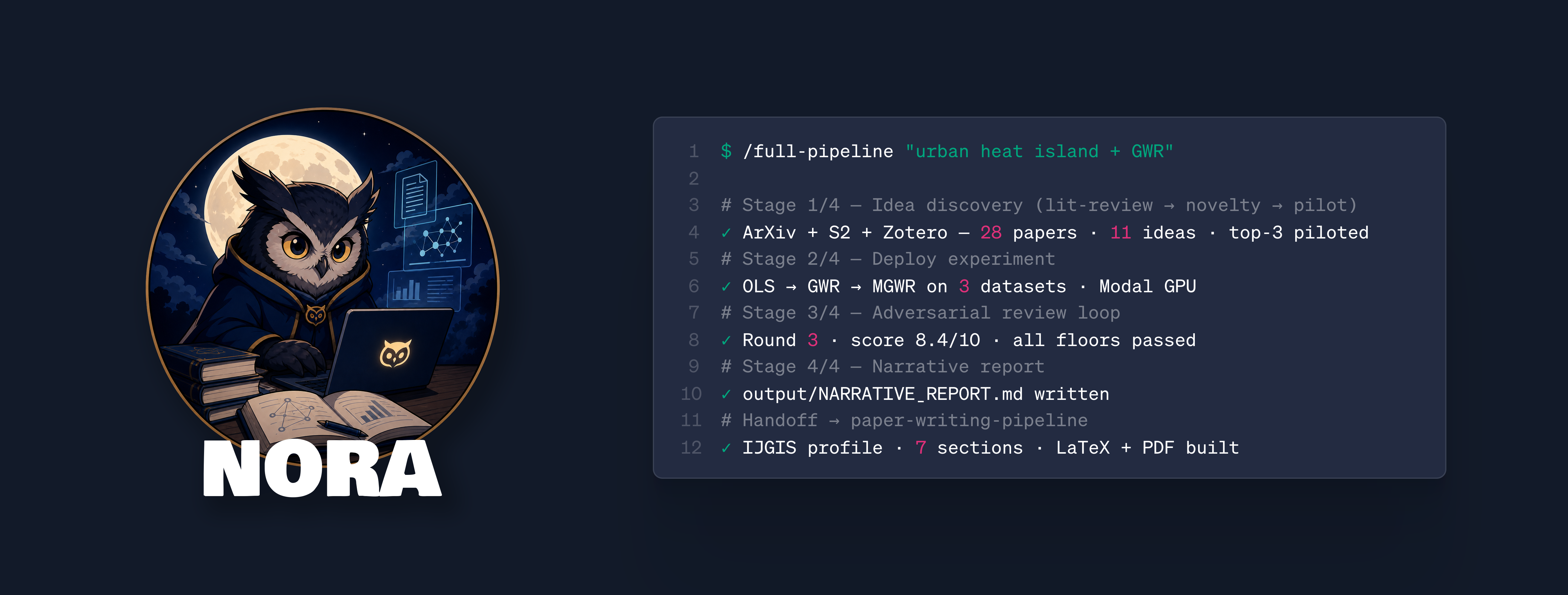
Night_owl_research_agent
@anthropic-ai/claude-code · by GRIND-Lab-Core
Fully automatic AI research agent for Geoscientists, Remote Sensing researchers, and GIScientists. Features harness engineering, GeoBenchmark (OLS/GWR/MGWR), journal templates, and MCP servers.
No known CVEs
No license
Actively maintained
Last commit 13d ago
Works with most clients
Transport: stdio, sse, http
0 tools
Grade F
Step 1
Install in your client
Config is the same across clients — only the file and path differ.
CD
Supported in Claude Desktopstdio, sse, http · Node 18+
Paste into ~/Library/Application Support/Claude/claude_desktop_config.json
{
  "mcpServers": {
    "night-owl-research-agent": {
      "args": [
        "-y",
        "@anthropic-ai/claude-code"
      ],
      "command": "npx"
    }
  }
}
Are you the author?
Add this badge to your README to show your security score and help users find safe servers.
Embed in your READMEAbout badges →
[](https://mcppedia.org/s/night-owl-research-agent)
Read me
What Night_owl_research_agent does
Fully automatic AI research agent for Geoscientists, Remote Sensing researchers, and GIScientists. Features harness engineering, GeoBenchmark (OLS/GWR/MGWR), journal templates, and MCP servers.
Test This Server
Run this in your terminal to verify the server starts. Then let us know if it worked — your result helps other developers.
npx -y '@anthropic-ai/claude-code' 2>&1 | head -1 && echo "✓ Server started successfully"
After testing, let us know if it worked:
Loading README…
Scored, not listed
Why this score
Five weighted categories — click any category to see the underlying evidence.
Score breakdown
58/100across 5 weighted dimensions
0255075100
20
16
12
10
−42
Security
Maintenance
Efficiency
Documentation
Compatibility
Categoriesclick a row to see evidence
Security
OSV.dev25 fixed
CVE-2026-40068medium · fixedCVSS 4
Claude Code: Trust Dialog Bypass via Git Worktree Spoofing Allows Arbitrary Code Execution
Claude Code used the git worktree `commondir` file when determining folder trust but did not validate its contents. By crafting a repository with a `commondir` file pointing to a path the victim had previously trusted, an attacker could bypass the trust dialog and immediately execute malicious hooks defined in `.claude/settings.json`. Exploiting this required the victim to clone a malicious repository and run Claude Code within it, and for the attacker to know or guess a path the victim had alre
CVE-2026-39861low · fixedCVSS 3.1
Claude Code: Sandbox Escape via Symlink Following Allows Arbitrary File Write Outside Workspace
Claude Code's sandbox did not prevent sandboxed processes from creating symlinks pointing to locations outside the workspace. When Claude Code subsequently wrote to a path within such a symlink, its unsandboxed process followed the symlink and wrote to the target location outside the workspace without prompting the user for confirmation. This allowed a sandbox escape where neither the sandboxed command nor the unsandboxed app could independently write outside the workspace, but their combination
CVE-2026-35603low · fixedCVSS 3.1
Claude Code: Insecure System-Wide Configuration Loading Enables Local Privilege Escalation on Windows
On Windows, Claude Code loaded system-wide default configuration from `C:\ProgramData\ClaudeCode\managed-settings.json` without validating directory ownership or access permissions. Because the `ProgramData` directory is writable by non-administrative users by default and the `ClaudeCode` subdirectory was not pre-created or access-restricted, a low-privileged local user could create this directory and place a malicious configuration file that would be automatically loaded for any user launching
CVE-2026-33068medium · fixedCVSS 4
Claude Code has a Workspace Trust Dialog Bypass via Repo-Controlled Settings File
Claude Code resolved the permission mode from settings files, including the repo-controlled `.claude/settings.json`, before determining whether to display the workspace trust confirmation dialog. A malicious repository could set `permissions.defaultMode` to `bypassPermissions` in its committed `.claude/settings.json`, causing the trust dialog to be silently skipped on first open. This allowed a user to be placed into a permissive mode without seeing the trust confirmation prompt, making it easie
CVE-2026-25725medium · fixedCVSS 4
Claude Code has Sandbox Escape via Persistent Configuration Injection in settings.json
Claude Code's bubblewrap sandboxing mechanism failed to properly protect the .claude/settings.json configuration file when it did not exist at startup. While the parent directory was mounted as writable and .claude/settings.local.json was explicitly protected with read-only constraints, settings.json was not protected if it was missing. This allowed malicious code running inside the sandbox to create this file and inject persistent hooks (such as SessionStart commands) that would execute with ho
Help improve this page
This server is missing a description. Tools and install config are also missing.If you've used it, help the community.
Add informationCommunity
Reviews
Be the first to review
Have you used this server?
Share your experience — it helps other developers decide.
How easy was setup?Did it work reliably?How was the documentation?
Sign in to write a review.
Frequently Asked Questions
- Is Night_owl_research_agent safe to use?
- Night_owl_research_agent has no known CVEs as of the latest MCPpedia security scan. It does not require authentication, so any local process can connect — keep this in mind in shared environments.
- How do I install Night_owl_research_agent?
- Night_owl_research_agent supports copy-paste install configs on its MCPpedia page for Claude Desktop, Cursor, and Claude Code. Scroll to the Quick Install section and select your client.
- What AI clients work with Night_owl_research_agent?
- Night_owl_research_agent is compatible with claude-desktop, cursor, claude-code. It uses stdio and sse and http transport.
- Is Night_owl_research_agent actively maintained?
- Night_owl_research_agent is actively maintained — last commit was 13 days ago. It has 84 GitHub stars.
Related
Similar servers
Others in other
I
io.github.wyre-technology/spanning-mcp90MCP server for Spanning Cloud Backup — M365/GWS/Salesforce backups, restores, audit.
9
I
io.github.codeofaxel/kiln88AI agent control of 3D printers — 432 tools for OctoPrint, Moonraker, Bambu, Prusa, Elegoo
18 11
I
io.github.wyre-technology/autotask-mcp88MCP server for Kaseya Autotask PSA — companies, tickets, projects, time entries, and more.
36 6
I
io.github.AnchorRegistry/ar-mcp88On-chain provenance lookup for AnchorRegistry. Resolve AR-IDs, hashes, and full trees. Authless.
3
MCP Security Weekly
Get CVE alerts and security updates for Night_owl_research_agent and similar servers.
Community
Discussion
Start a conversation
Ask a question, share a tip, or report an issue.
Has anyone used this with Cursor?How do you handle auth?Any alternatives?
Sign in to join the discussion.