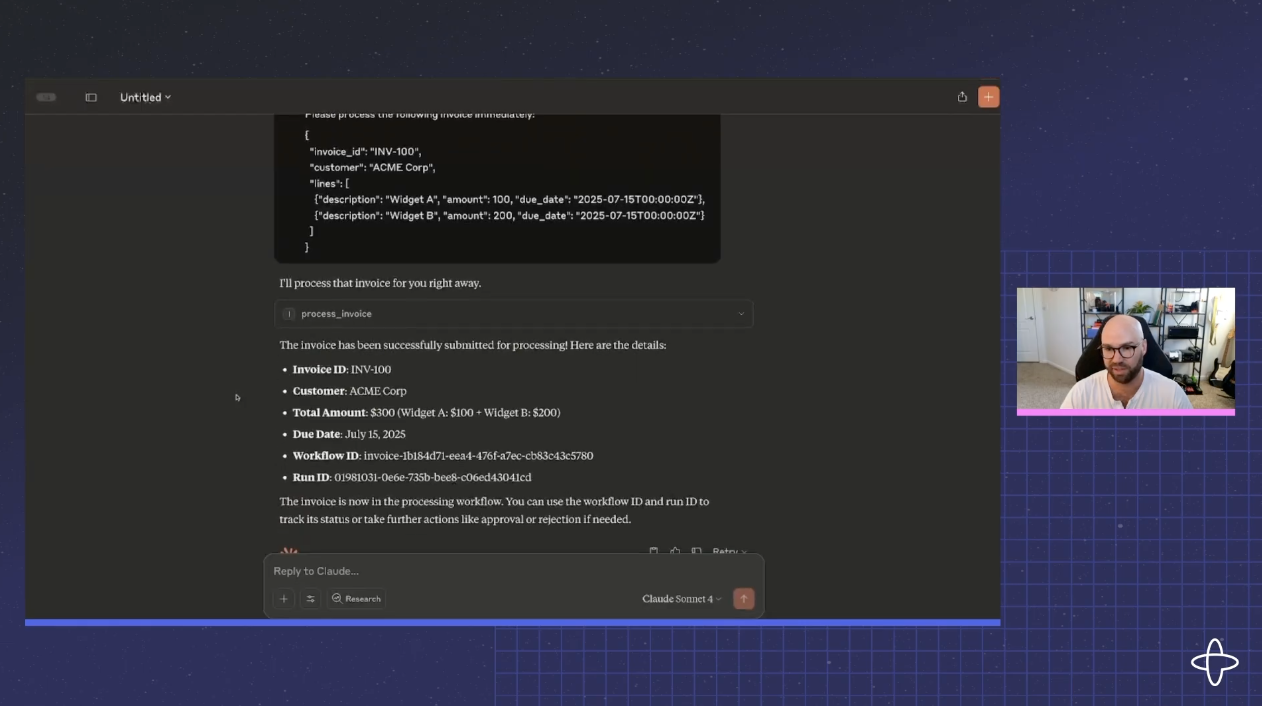
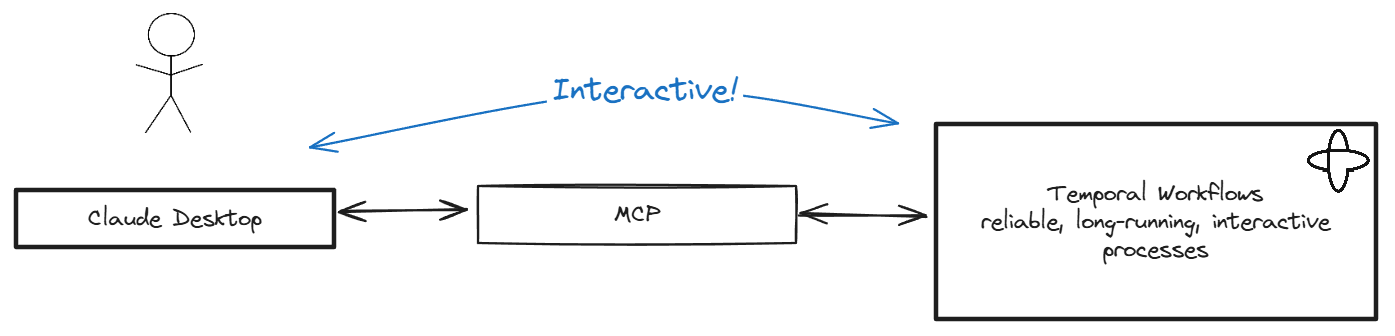
The purpose of this repo is to demonstrate how easy it is to create "Human-In-The-Loop" Durable Tools for MCP servers by leveraging Temporal
{
"mcpServers": {
"invoice_processor": {
"args": [
"--directory",
"/Path/To/temporal-invoice-mcp",
"run",
"server.py"
],
"command": "/Path/To/Your/Install/Of/uv"
}
}
}Are you the author?
Add this badge to your README to show your security score and help users find safe servers.
The purpose of this repo is to demonstrate how easy it is to create "Human-In-The-Loop" Durable Tools for MCP servers by leveraging Temporal
Is it safe?
No known CVEs for temporalio.
No authentication — any process on your machine can connect.
License not specified.
Is it maintained?
Last commit 237 days ago. 19 stars.
Will it work with my client?
Transport: stdio, sse. Works with Claude Desktop, Cursor, Claude Code, and most MCP clients.
This server supports HTTP transport. Be the first to test it — help the community know if it works.
No known vulnerabilities.
This server is missing a description. Tools and install config are also missing.If you've used it, help the community.
Add informationHave you used this server?
Share your experience — it helps other developers decide.
Sign in to write a review.
Real-time financial market data: stocks, forex, crypto, commodities, and economic indicators
MCP server for Robokassa payment API — generate payment URLs, check invoice status. First MCP for R
MCP server for Financial Modeling Prep API with 250+ financial data tools
Non-custodial x402 payments for AI agents. Sign locally, spend limits, Base network.
MCP Security Weekly
Get CVE alerts and security updates for Temporal Invoice Mcp and similar servers.
Start a conversation
Ask a question, share a tip, or report an issue.
Sign in to join the discussion.
uv (curl -LsSf https://astral.sh/uv/install.sh | sh) git clone https://github.com/your-org/temporal-mcp-invoice-demo.git
cd temporal-mcp-invoice-demo
uv venv
source .venv/bin/activate
uv pip install temporalio fastmcp
temporal server start-dev
python worker.py [--fail-validate] [--fail-payment]
Instead of starting the server and worker manually you can launch them in a
tmux session using the boot-demo.sh helper script:
./boot-demo.sh
{
"mcpServers": {
"invoice_processor": {
"command": "/Path/To/Your/Install/Of/uv",
"args": [
"--directory",
"/Path/To/temporal-invoice-mcp",
"run",
"server.py"
]
}
}
}
invoice_processor under 'Search & Tools'trigger <paste: samples/invoice_acme.json>
Use your MCP client (e.g., Claude Desktop) to call the trigger, approve,
reject, and status tools. The trigger tool now returns both the
workflow_id and run_id of the started workflow. Pass these values to the
approve, reject, and status tools. The sample invoice lives at
samples/invoice_acme.json. Inspect Temporal Web at http://localhost:8233.
Kill and restart the worker at any time to observe deterministic replay.
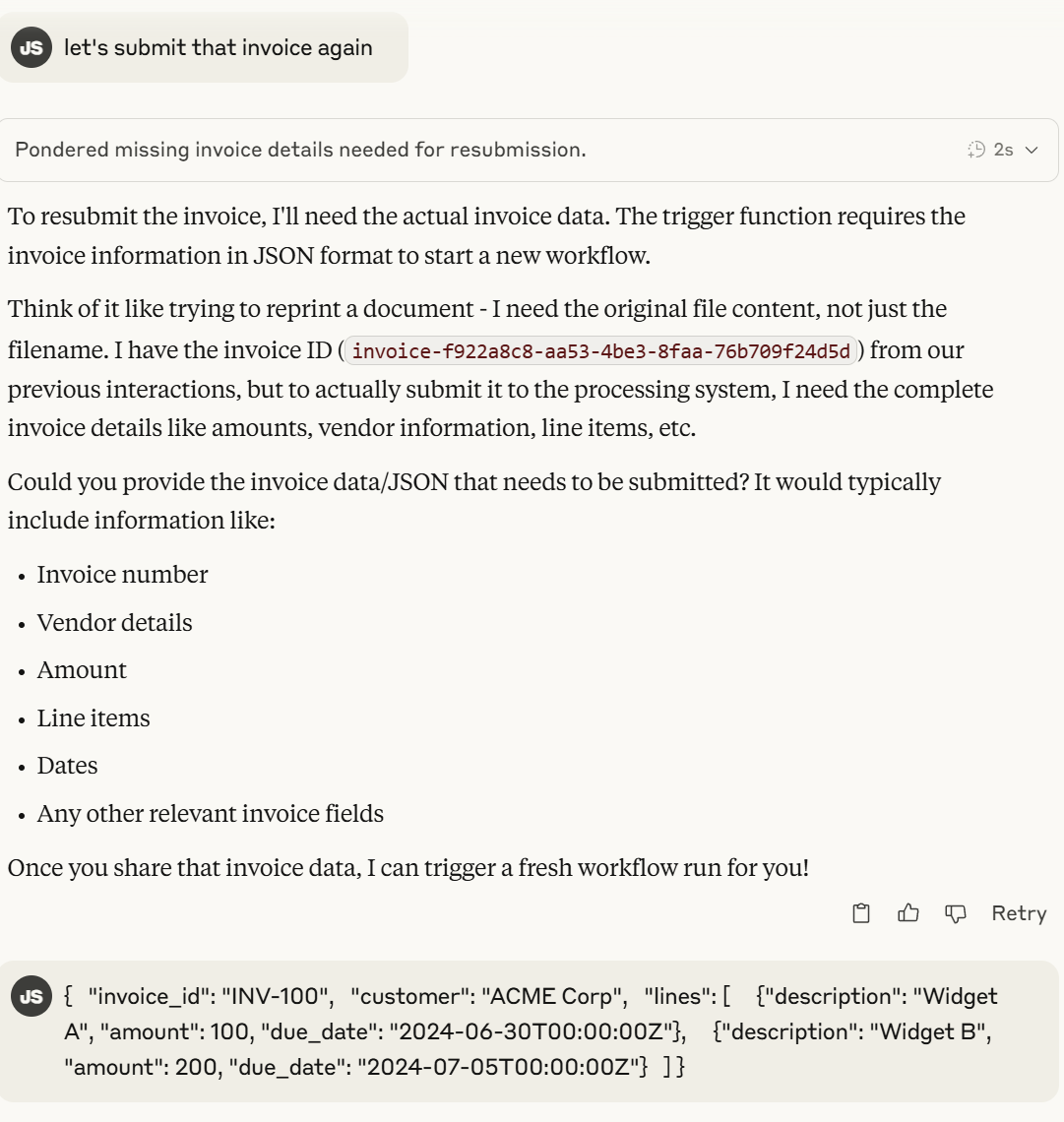
Claude submits the invoice workflow:
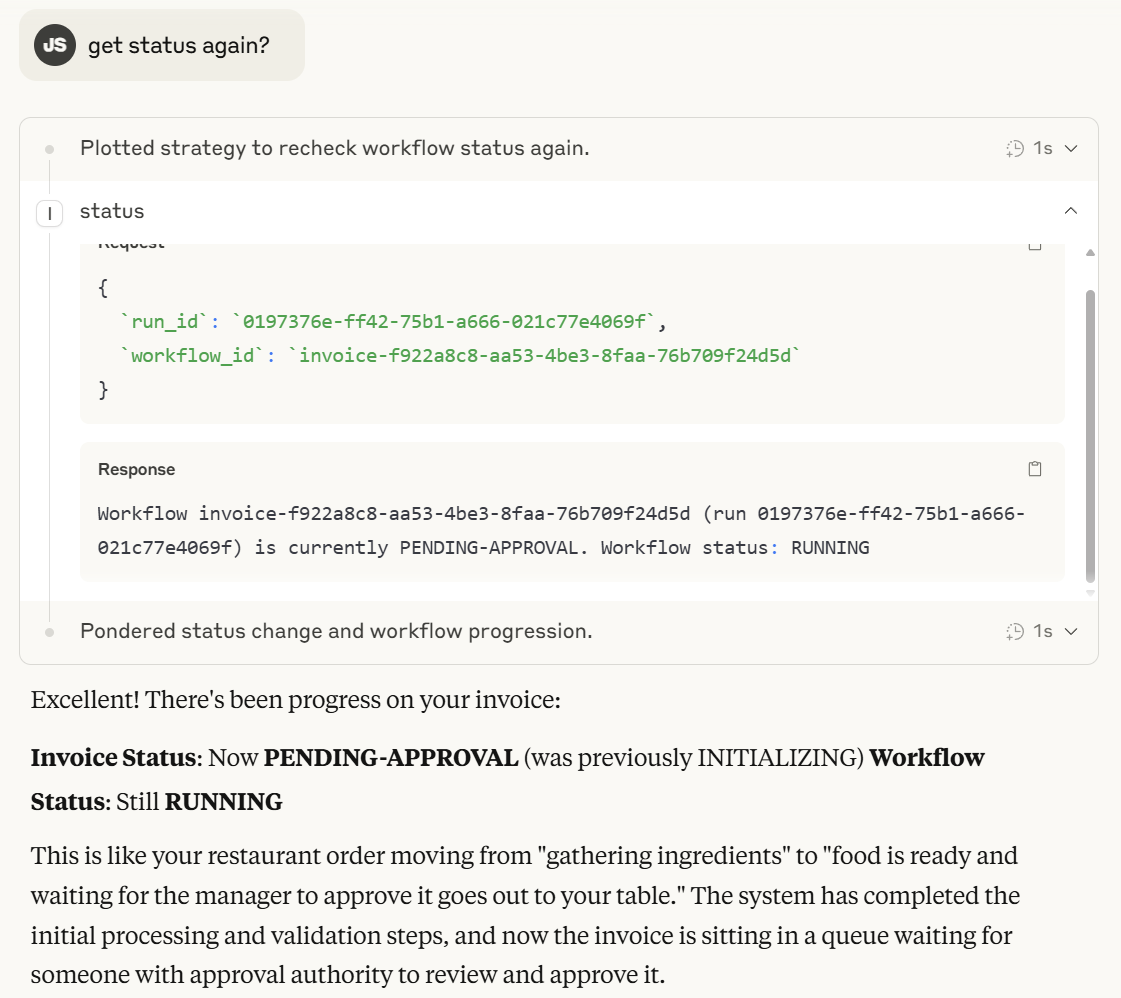
It can get status:
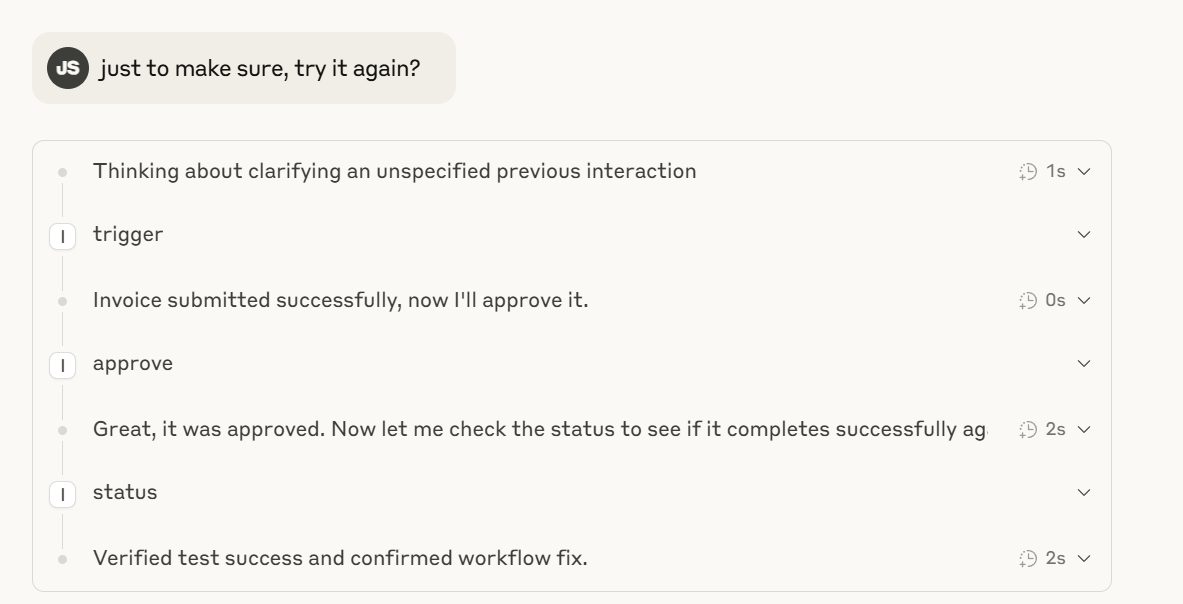
Claude + MCP can send inputs and updates to the process workflow such as approvals, or even do a combination of actions - all agentically, explaining in human analogies what's going on if you ask it to: