Yandex Tracker MCP Server


mcp-name: io.github.aikts/yandex-tracker-mcp
A comprehensive Model Context Protocol (MCP) server that enables AI assistants to interact with Yandex Tracker APIs. This server provides secure, authenticated access to Yandex Tracker issues, queues, comments, worklogs, and search functionality with optional Redis caching for improved performance.
Documentation in Russian is available here / Документация на русском языке доступна здесь.
Features
- Complete Queue Management: List and access all available Yandex Tracker queues with pagination support, tag retrieval, and detailed metadata
- User Management: Retrieve user account information, including login details, email addresses, license status, and organizational data
- Full Issue Lifecycle: Create, read, update, and manage issues with support for custom fields, attachments, and workflow transitions
- Status Workflow Management: Execute status transitions, close issues with resolutions, and navigate complex workflows
- Field Management: Access global fields, queue-specific local fields, statuses, issue types, priorities, and resolutions
- Advanced Query Language: Full Yandex Tracker Query Language support with complex filtering, sorting, and date functions
- Performance Caching: Optional Redis caching layer for improved response times
- Security Controls: Configurable queue access restrictions and secure token handling
- Multiple Transport Options: Support for stdio, SSE (deprecated), and HTTP transports for flexible integration
- OAuth 2.0 Authentication: Dynamic token-based authentication with automatic refresh support as an alternative to static API tokens
- Organization Support: Compatible with both standard and cloud organization IDs
Organization ID Configuration
Choose one of the following based on your Yandex organization type:
- Yandex Cloud Organization: Use
TRACKER_CLOUD_ORG_ID env var later for Yandex Cloud-managed organizations
- Yandex 360 Organization: Use
TRACKER_ORG_ID env var later for Yandex 360 organizations
You can find your organization ID in the Yandex Tracker URL or organization settings.
MCP Client Configuration
Installing extension in Claude Desktop
Yandex Tracker MCP Server can be one-click installed in Claude Desktop as and extension.
Installation
- Download the
*.mcpb file from GitHub Releases.
- Double-click the downloaded file to install it in Claude Desktop.
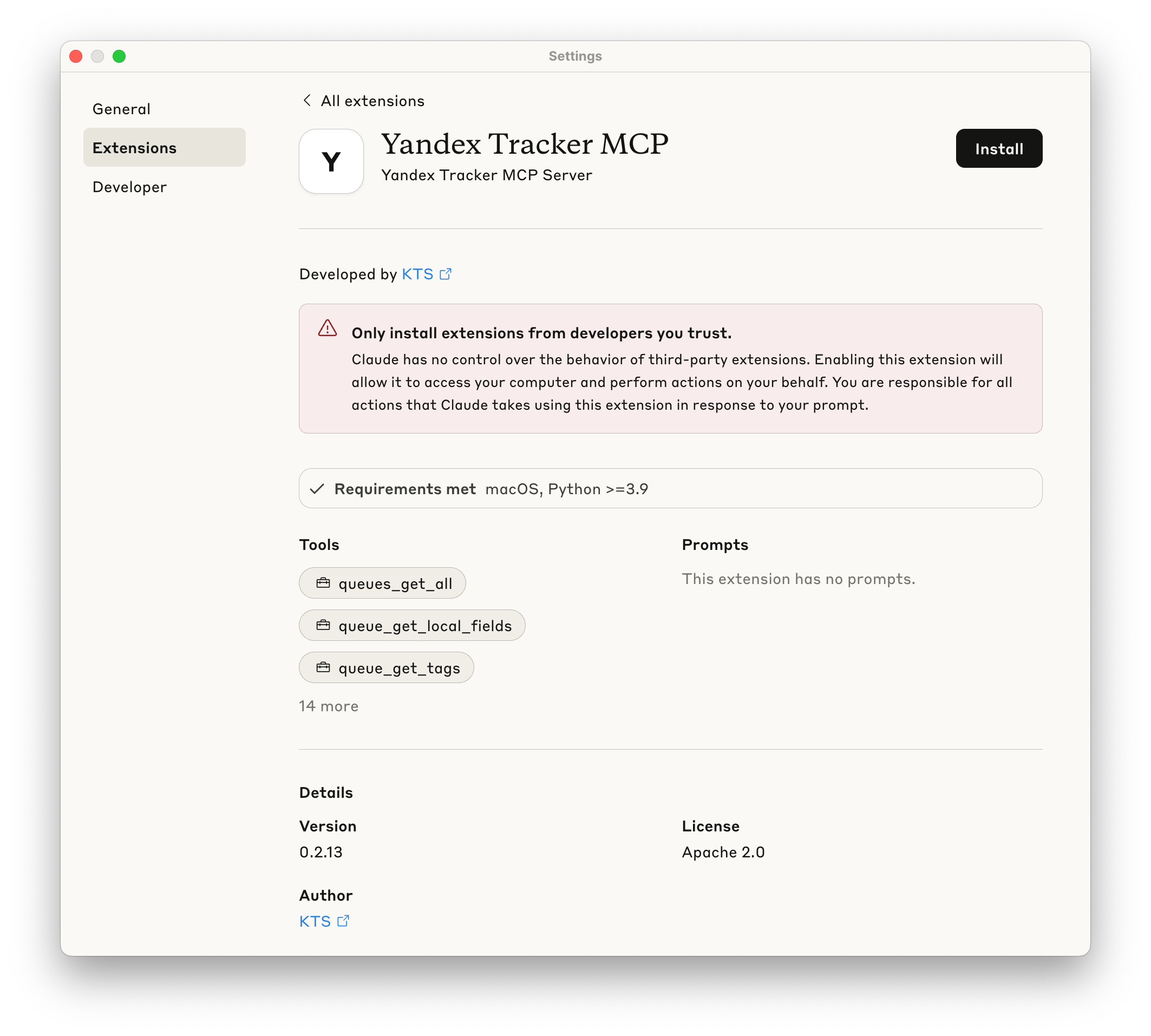
- Provide your Yandex Tracker OAuth token when prompted.
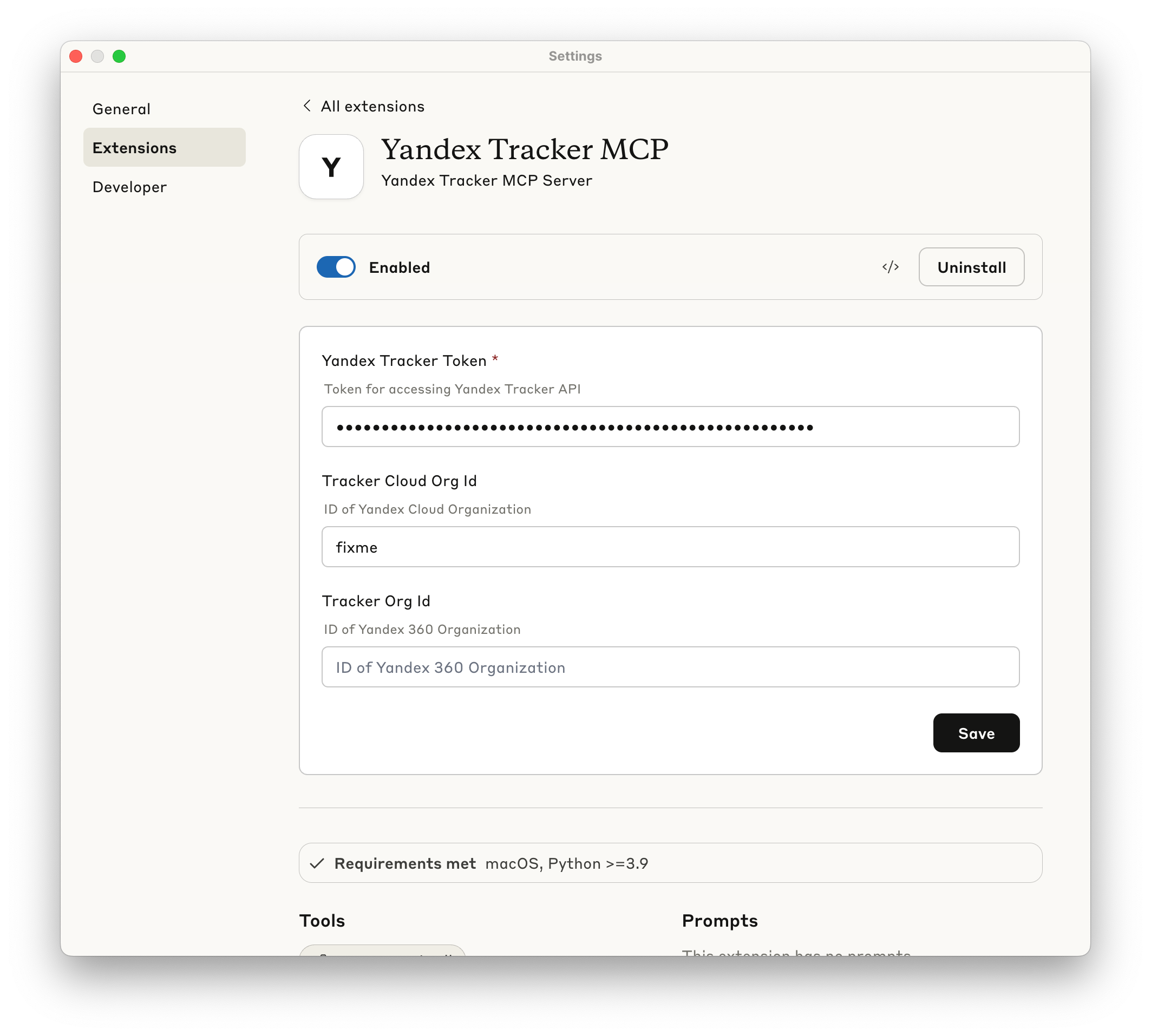
- Make sure extension is enabled - now you may use this MCP Server.
Manual installation
Prerequisites
- uv installed globally
- Valid Yandex Tracker API token with appropriate permissions
The following sections show how to configure the MCP server for different AI clients. You can use either uvx yandex-tracker-mcp@latest or the Docker image ghcr.io/aikts/yandex-tracker-mcp:latest. Both require these environment variables:
- Authentication (one of the following):
TRACKER_TOKEN - Your Yandex Tracker OAuth tokenTRACKER_IAM_TOKEN - Your IAM tokenTRACKER_SA_KEY_ID, TRACKER_SA_SERVICE_ACCOUNT_ID, TRACKER_SA_PRIVATE_KEY - S
... View full README on GitHub


